
How to make your digital art look like traditional
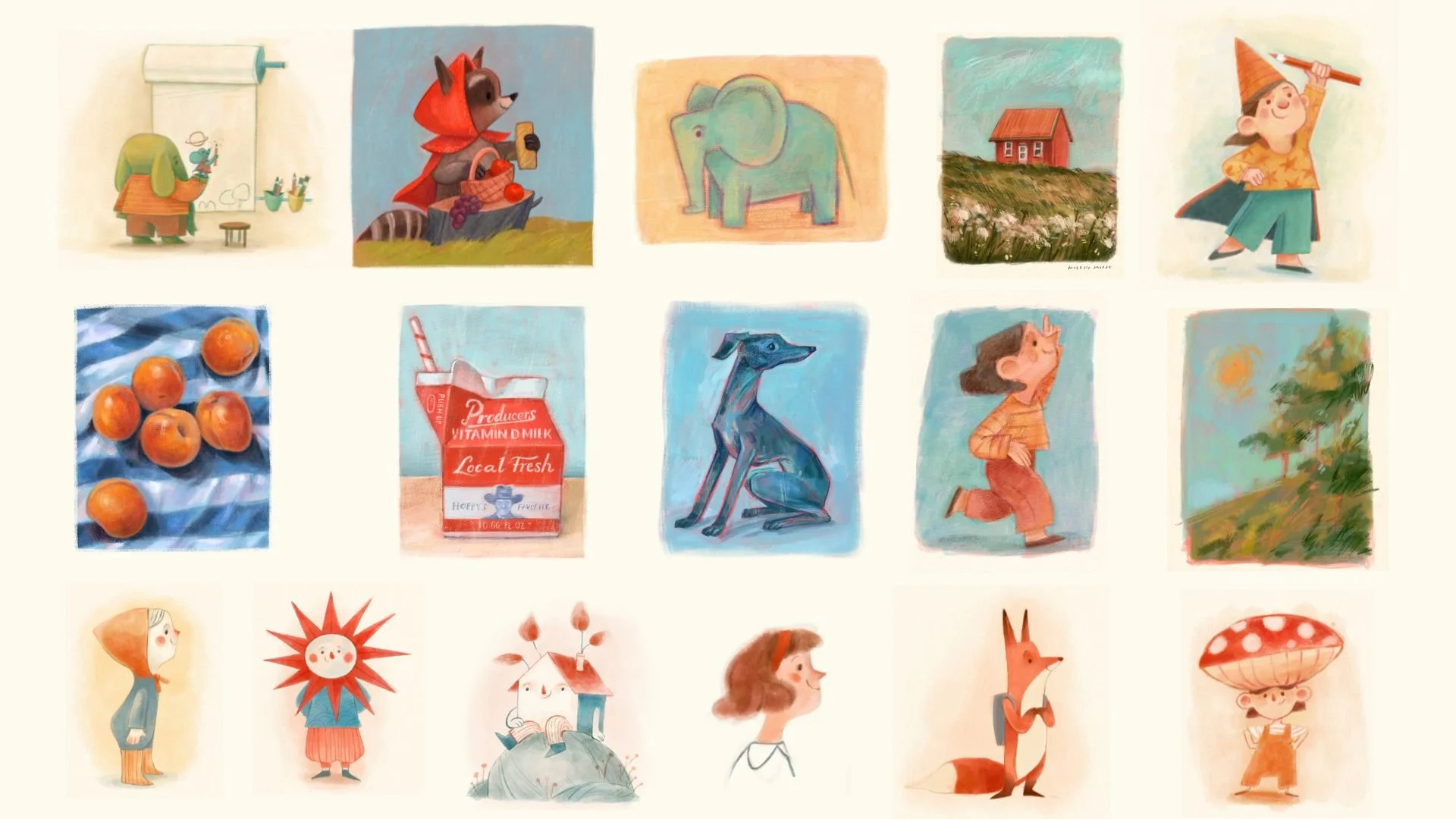
Examples of my digital art looking traditional
After a lot of experimenting, I’ve found a few tips and tricks that help me get that traditional painting look in my digital work. So today, I wanted to share them with you.
Procreate is amazing because it’s so versatile and portable, but one thing I’ve always struggled with is getting that rich, textured feel of traditional painting. And perhaps a bit of the organic randomness that traditional media have, but digital art often lacks. There’s something about the look of gouache paint or colored pencil on paper that’s just so… warm and inviting, right? I’ve found a few simple tricks that help achieve a traditional painting look in Procreate. Let’s go!
1. Use paper texture as an overlay

If you’ve ever worked with traditional media, you know how important the texture of the paper is. It can completely change the feel of your artwork. So why not try adding some of that texture into your digital work? All you have to do is overlay a paper texture on your piece. You can find some free ones online or even scan your own favorite textured paper. Just drop it onto a layer, set to Multiply or Linear Burn, turn down the opacity, and it’ll give your work that warm, handmade feel which is perfect for creating the mixed media effect.
2. Use an underpainting

If you’ve ever painted traditionally, you know that starting with a basic layer (often in just one color) can help your colors blend more harmoniously later on. Why not try that in digital too? But instead of filling your first layer with a solid color, use a textured brush to lay down a little underpainting. Make it imperfect! A little useful tip for working with colors: if you choose to use a thinner layer of brush on top of your underpainting, it’s almost as if you were mixing paint directly on your digital canvas. You can use the color picker tool to collect these new colors and use them in your artwork!
3. Limit your choices

I know, it sounds a little counterintuitive. But trust me, limiting your choices can really help create that mixed media style you want. Think about it: when you’re working with real materials, you don’t have infinite layers to work with, and you don’t have an endless supply of colors. Sometimes, less is more! I usually work with just one or two layers. This helps prevent the artwork from feeling too ‘clean’ or overworked. You don’t need to separate every object onto its own layer. Keep it minimal, just like you would on paper. Another helpful tip is to use a limited color palette. I’ll talk more about that in a separate article soon.
4. Work with low opacity brushes

Here’s another small change that makes a huge difference: try using brushes on lower opacity. When you work with low opacity, you get that organic, textured look that you can’t get with high-opacity brushes. It’s the little imperfections and variations in your strokes that make traditional work so charming. Low opacity lets you build up layers of color and texture in a way that feels way more natural.
5. Avoid using saturated colors

Traditional art tends to be less saturated compared to digital art. Staying in a more subdued hue range will give a more traditional feel to your art.
6. Avoid blending modes
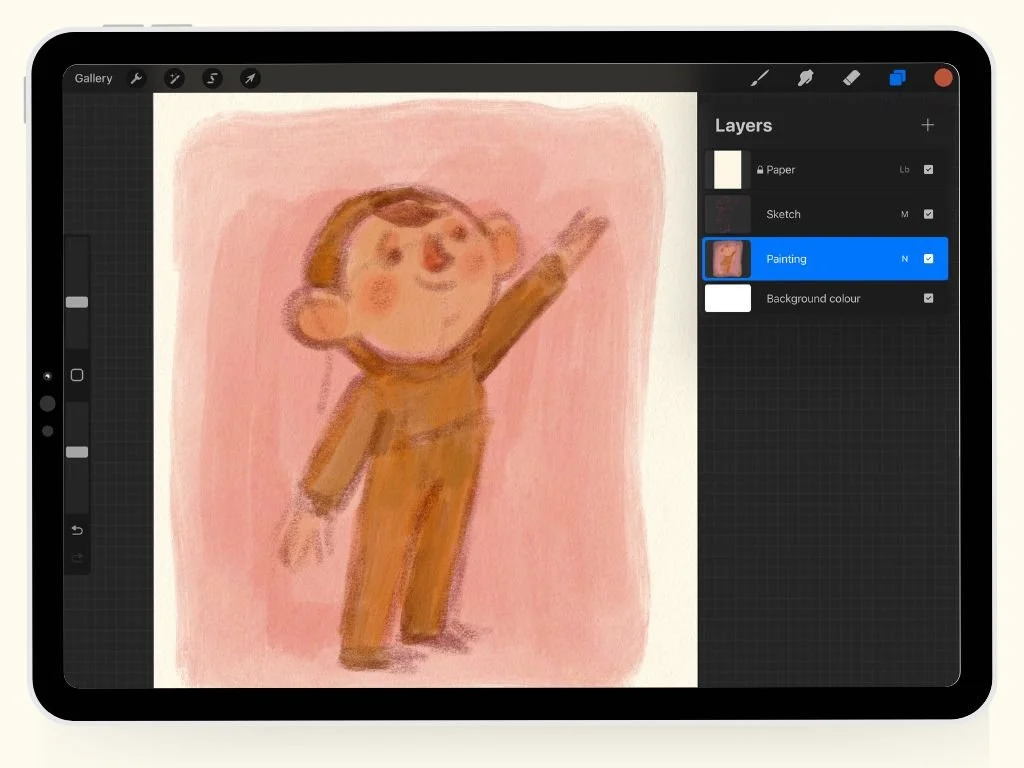
Blending modes are tempting, I know. They can help you achieve cool effects and save so much time, but they also tend to make your work look very… well, digital. To make your work feel more like traditional media, I recommend avoiding blending modes, especially the ones that make colors pop in an unnatural way. If you do use blending modes, keep it simple. I like to use the Multiply mode for shading, but I keep it at a really low opacity to maintain the traditional feel.
7. Don’t zoom in too much

This one’s a biggie, especially if you’re used to zooming in on every little detail. In traditional art, you can’t zoom in, right? So why do we do it in digital work? Try to step back a little more and work at a comfortable distance. It’ll help you capture the overall feel of the piece, and you’ll notice things like happy accidents or little imperfections that make your work more human. Trust me, your artwork will feel more alive! Your lines don’t need to be perfect, just like they aren’t in traditional art.
8. Keep your hand loose

If you’ve been working digitally for a while, you might’ve noticed that sometimes your hand gets a little stiff when holding the Apple Pencil (I used to to grip mine so strongly my hand hurt!). Plus, it’s easy to get caught up in looking for perfection. But here’s a little trick: loosen up your grip! Allow yourself to make bigger, looser strokes. Don’t aim for perfection and let your hand move freely. It’ll give your work a lot more personality and energy. Plus, the more you play, the more you’ll discover how fun it can be to just let go a little!
9. Use your sketchbook as a place to explore
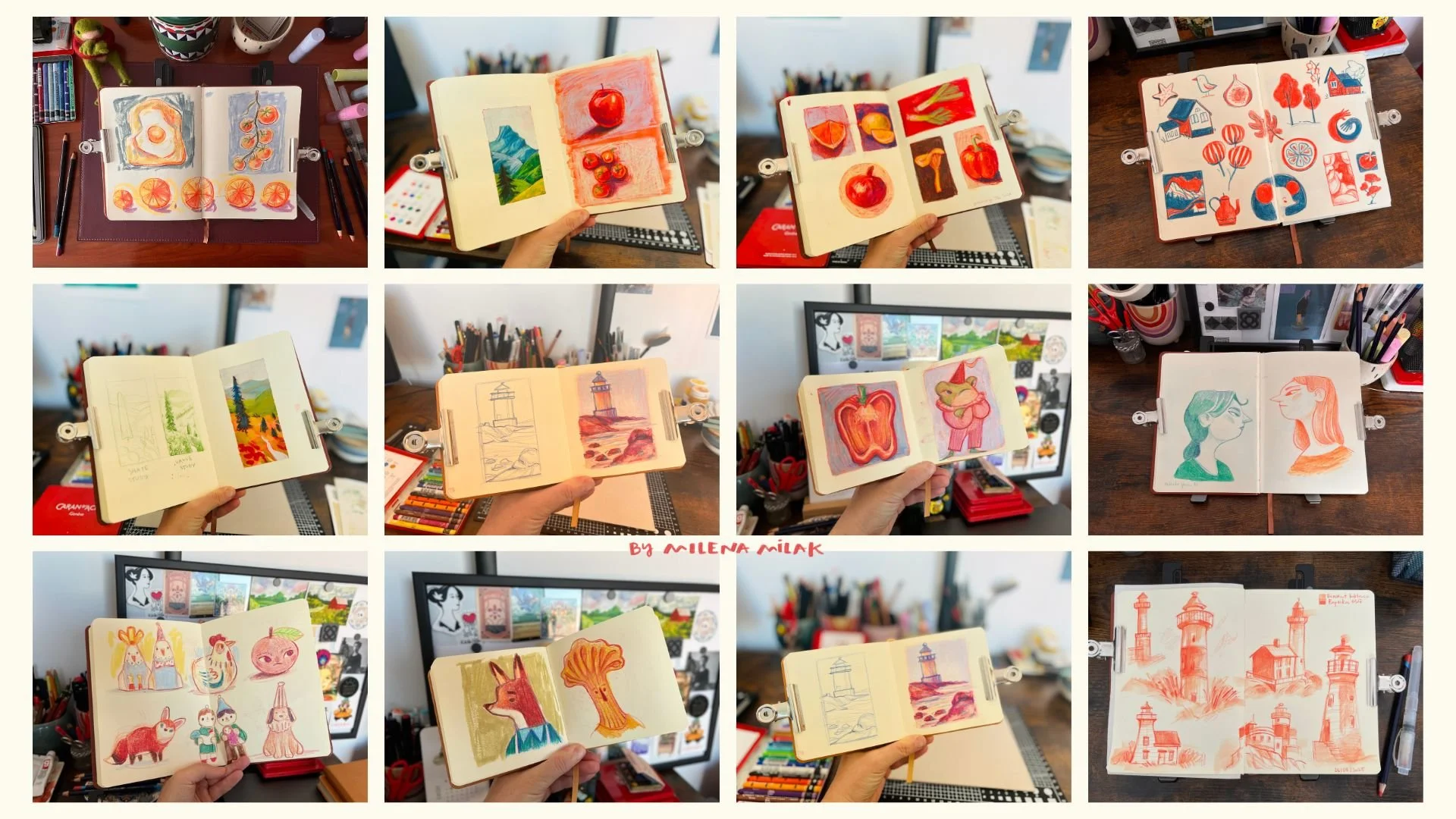
My sketchbook pages
I can’t tell you enough how important it is to actually get your hands on paper. You won’t be able to truly mimic traditional art digitally unless you make time to explore traditional materials in real life. I keep a sketchbook with me to experiment, doodle, and try things out that I wouldn’t normally do on my tablet. It’s actually my sketchbook that inspired me to create my custom Procreate brush set based on mixed media techniques I love so much!
I hope these tips give you some fresh inspiration for your own digital work. It’s all about finding a balance between the freedom of digital tools and the charm of traditional techniques. If you’re curious to see how my Procreate brush set can help you achieve a traditional painting look in your own art, I’m offering a free brush sample to help you get started. You can grab it right here!
What’s your take on making digital art look traditional? Is it worth the effort, or should we just do the actual traditional art?
Procreate resources
If you’re a Procreate artist and look for inspiration how to make your digital art look more traditional, I added some resources to my shop.
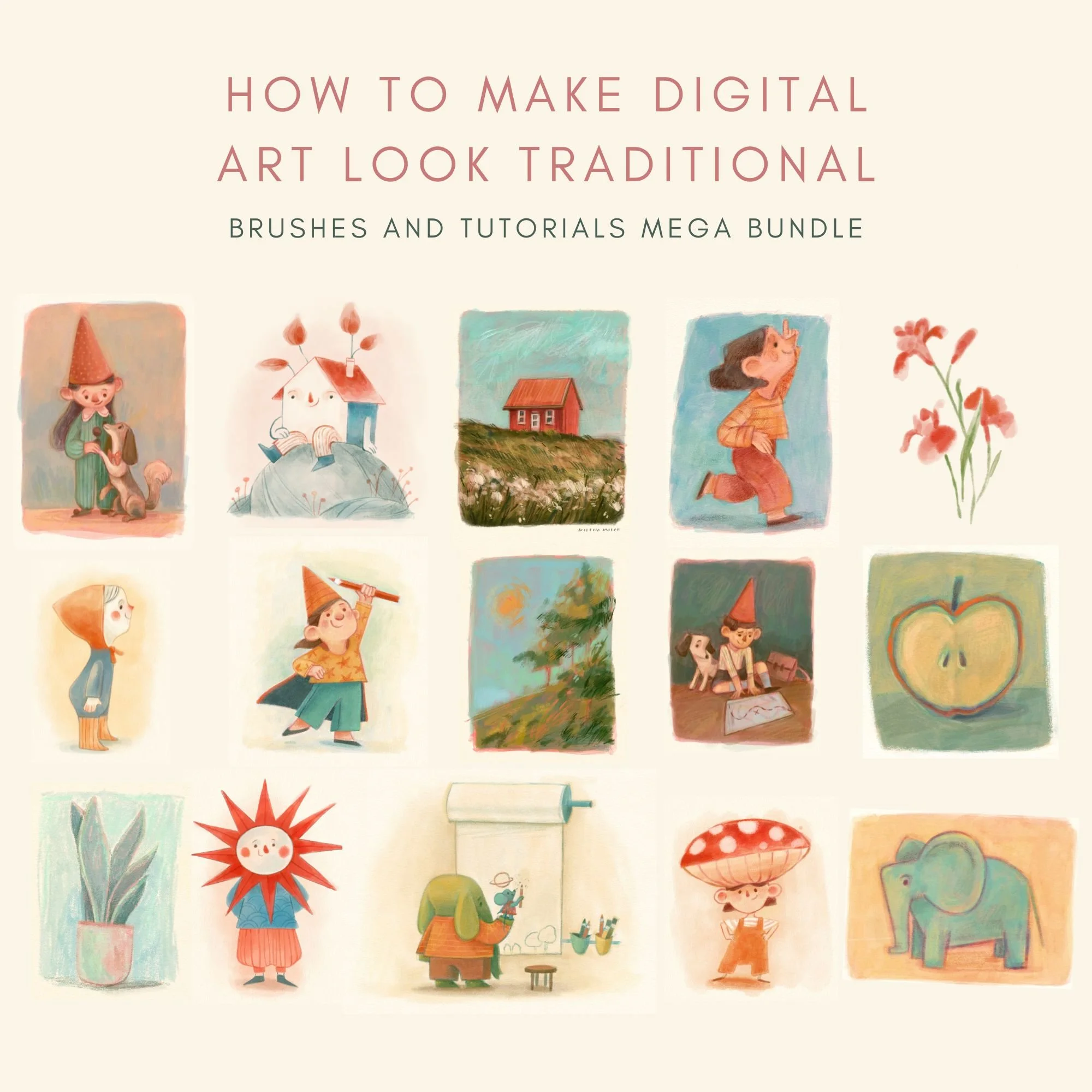

This Procreate brush pack is designed for artists who want their digital work to feel more like traditional drawing. Every brush is built to recreate the natural grain and subtle imperfections of pencil, charcoal, colored pencil, soft pastel, and oil pastel.
Instead of flat or overly polished digital strokes, you get texture, depth, and variation that feels closer to working on real paper.
This traditional media Procreate brushes set is built for illustrators who want expressive, hand-drawn results and is especially useful for children’s book illustration style.
What’s Included?
With this brush set, you’ll get
12 custom brushes designed to behave like traditional tools
A high-resolution cold-pressed paper texture for adding a warm, hand-painted feel to your artwork.
A curated swatch of my favorite colors—the same ones I use in my digital paintings.
A detailed PDF guide that walks you through each brush, its best uses, and a step-by-step breakdown of my painting process.
Disclaimer: The brush is designed for use with Procreate and may not be compatible with other software. Results may vary based on individual drawing styles and techniques. Redistribution, reselling, or sharing of the brush is not permitted.